Here’s a startling fact for you: Over 60% of college students say technology makes them feel more anxious, not less productive. I’ve stared at that stat more times than I care to admit, and every time, it feels like a dirty little secret we’re all too scared to talk about. We’re told that the latest app, the fastest laptop, and the smartest AI tool will unlock our full potential. But let’s be honest — more often than not, your glowing screen is a productivity black hole, not a launchpad. I’m Kwame Asante, and I’ve been deep in the trenches of student life, wrestling with notifications, late-night doom-scrolling, and the nagging feeling that my tech was running me instead of the other way around.
Here’s what most people miss: *Student life isn’t about having the most gadgets; it’s about having the right systems. Your phone is a supercomputer in your pocket, but if you’re using it to check Instagram between lectures, you’re basically driving a Ferrari to the grocery store. In this post, I’m going to spill the beans on how to flip the script — turning your tech from a distraction machine into a weapon for academic domination. No fluff, no generic advice. Just real, gritty strategies that have saved my sanity and my GPA.
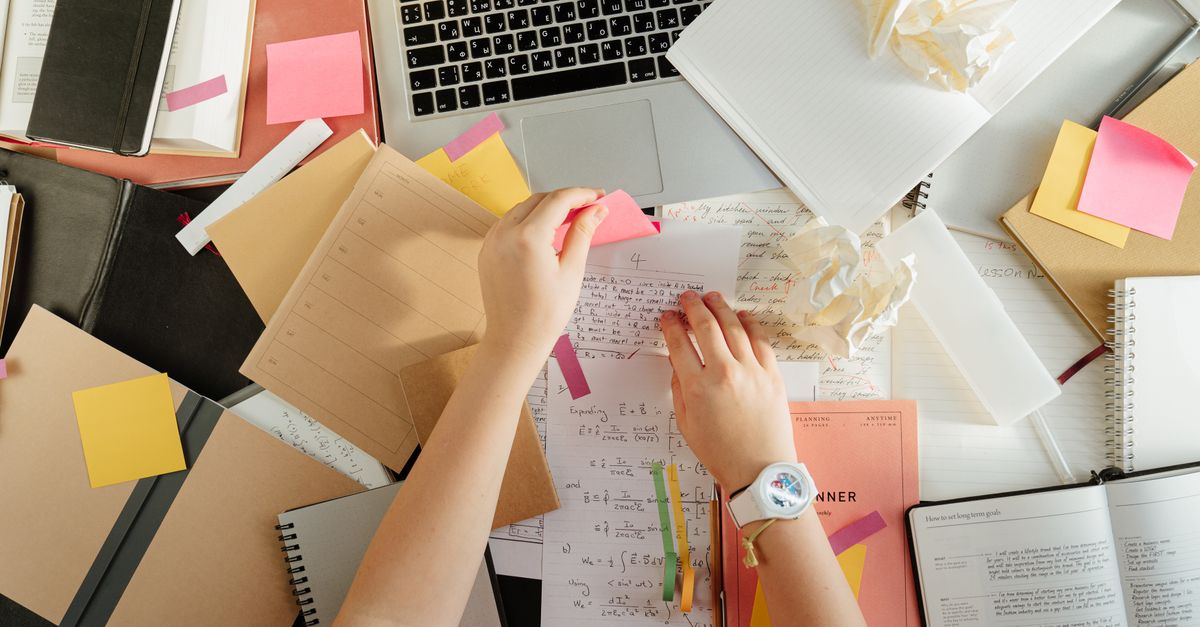
The Distraction Paradox: Why Your "Study Tool" Is Your Worst Enemy
We need to talk about the elephant in the room — or rather, the elephant in your backpack. Your smartphone. You bought it to stay connected, take notes, and maybe listen to some lo-fi beats while you study. But here’s the ugly truth: The average college student checks their phone 96 times a day. That’s not a typo. Ninety-six times. Imagine trying to read a textbook while someone taps you on the shoulder every seven minutes. That’s what you’re doing to your own brain.
I’ve found that the biggest lie in student tech culture is the myth of “multitasking.” You aren’t multitasking; you’re switch-tasking. Every time you glance at a notification, your brain takes 23 minutes to fully refocus on the original task. Twenty-three minutes! So that five-second peek at a meme? It costs you almost half an hour of deep work. This is why you can sit in the library for four hours and feel like you’ve accomplished nothing.
The fix isn’t to throw your phone into a river (though, tempting). The fix is to create friction. Make it harder to access the distractions. I use a simple rule: If I’m studying, my phone is in my bag, on silent, face-down. Not on the desk. Not in my pocket. In the bag. The sheer effort of digging it out is often enough to kill the impulse. Try it for one day. You’ll be shocked at how much time you reclaim.
The Hidden Superpower: The "Digital Minimalist" Student
Here’s a concept that changed my life: Digital minimalism. It’s not about being a Luddite or deleting all your social media (though, let’s be real, a social media cleanse is a rite of passage). It’s about asking one brutal question: Does this app or tool serve my goals, or am I serving it?
Most people miss the power of curation. Your student life is already chaotic — your tech stack shouldn’t be. I’ve whittled mine down to a core set of tools that do one job exceptionally well. Here’s my personal arsenal:
- Notion for everything. Notes, projects, calendar, habit tracker. One database to rule them all. It replaces five separate apps.
- Forest app for focus. It gamifies not touching your phone. Plant a virtual tree; if you leave the app, it dies. The guilt is real.
- Obsidian for deep thinking. This is for connecting ideas, not just recording them. It’s my second brain.
- A physical notebook. Yes, paper. The act of writing by hand forces your brain to process information differently. Don’t underestimate it.

The 3 Secrets to Mastering Online Classes (Without Losing Your Mind)
Let’s be real: online classes are here to stay, whether we like it or not. And they present a unique challenge — you’re expected to learn in the same environment where you watch Netflix. I’ve failed at this more times than I’ve succeeded, but I’ve finally cracked the code.
Secret #1: The "Two-Screen" Rule is a Trap. Don’t watch a lecture on your laptop while scrolling on your phone. That’s a recipe for brain fog. Instead, use one device for the lecture and a physical notebook for notes. No second screen. Your brain needs to hear the information, process it, and write it down. That’s a full workout.
Secret #2: Schedule Your "Boredom." Here’s a shocking truth: Boredom is the engine of creativity. But in online classes, we fill every silence with a dopamine hit. When a professor pauses to think, we check Twitter. When a video buffers, we open TikTok. This kills your ability to absorb information. I’ve started sitting in silence for 5 minutes before each class. It resets my focus. Try it. It feels weird, but it works.
Secret #3: The Pomodoro Technique is Not a Joke. I know, you’ve heard it a million times. But hear me out: The 25-minute focus block is the ultimate hack for online learning. Set a timer, watch the lecture segment, take a 5-minute break (away from screens). Repeat. It turns a two-hour slog into a series of manageable sprints. Your attention span will thank you.
The Essential Tech Stack for the Modern Student (That Nobody Talks About)
You don’t need a $3,000 laptop to succeed in student life. You need reliable tools that work for you. Here’s what I actually use and recommend, without the corporate hype:
- A Chromebook or a refurbished MacBook Air. Why? They’re cheap, long-lasting, and don’t have the processing power to run distracting games. A low-spec machine is a focus machine.
- A good pair of noise-canceling headphones. Not for music. For silence*. The ability to block out the world is a superpower. I use the Sony WH-1000XM5s, but any decent pair will do.
- An external monitor (even a cheap one). This is a game-changer for writing papers and coding. You can have your research on one screen and your document on the other. No more alt-tabbing.
- A password manager. Seriously. Stop resetting your university portal password every week. Use Bitwarden or 1Password. It’s free and it saves hours of frustration.

The Final Truth: Your Brain is the Best "Tech" You Own
We’ve talked about apps, devices, and systems. But let’s circle back to the most important piece of technology in your student life: your brain. No amount of fancy software can fix a burned-out mind.
I’ve found that the most successful students aren’t the ones with the most gadgets. They’re the ones who protect their attention like a precious resource. They know when to log off. They know that sleep is not a luxury, but a performance enhancer. They know that scrolling before bed is the fastest way to ruin your next day’s focus.
So here’s my challenge to you: For the next 7 days, treat your phone like a tool, not a toy. Turn off all notifications except calls and messages from your mom. Delete the apps that steal your time. Use a physical alarm clock. Watch what happens to your stress levels and your grades.
Student life is a sprint, not a marathon. But it’s a sprint you have to run every single day. You can either let your tech drag you down, or you can use it to fly. The choice is yours. Now go reclaim your focus.