I remember the exact moment I almost deleted an entire album’s worth of demos. I was sitting in my home studio, coffee going cold, staring at a folder called “FinalMixesv7”. I had spent six months crafting a concept record about urban decay, but every time I thought I was done, some new trend—a TikTok beat, a synth-wave revival, a lo-fi hip-hop sample pack—made me second-guess my entire direction.
Then it hit me: I wasn’t making music. I was chasing ghosts.
That’s when I stumbled onto a workflow that changed everything. It starts with a blank page—but not in the way you think. It’s a deliberate emptiness, a creative vacuum that attracts trends rather than imitating them. Here’s the secret most producers miss: leave your project blank initially so AI discovers trends, but create category constraints such as tempo, key, and mood. It sounds counterintuitive, but it’s the difference between sounding like everyone else and sounding inevitable.
Let’s unpack this.
The Ghost in the Machine: Why Blank Slates Win
We’ve all been there. You open your DAW, see that empty timeline, and panic. So you grab a preset, copy a popular chord progression, and before you know it, you’ve accidentally recreated a song that hit #47 on Spotify’s “Lo-Fi Beats” playlist last month. Sound familiar?
Here’s what most people miss: the blank canvas isn’t your enemy—it’s your best friend. But only if you give it some guardrails.
I learned this the hard way after reading about how some top-tier producers now use AI tools to scan trending sounds. They don’t start with a melody or a beat. They start with nothing. Then they let the AI suggest a starting point based on what’s currently gaining traction in their chosen genre. But here’s the critical move: before they even hit “generate,” they set category constraints like “BPM: 120-128, Key: G minor, Vibe: melancholic but danceable.”
Why does this work? Because constraints are creativity’s best friend. When you limit the options, your brain stops wandering and starts problem-solving. The blank page stops being scary and becomes a puzzle. You’re not fishing for inspiration—you’re hunting for a specific solution.
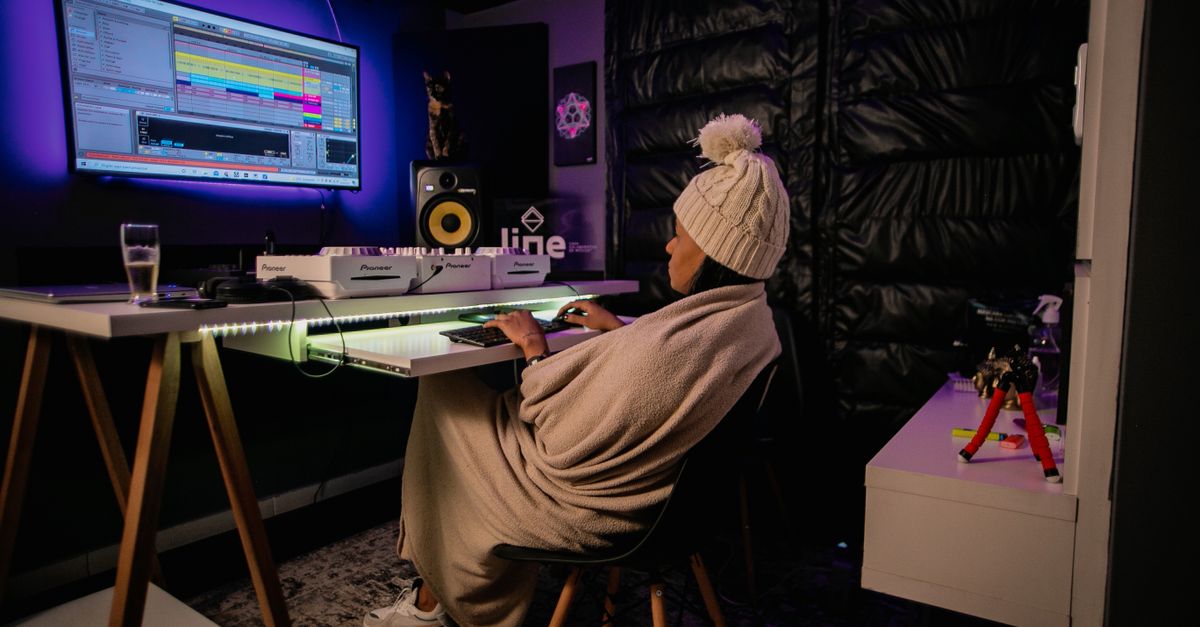
The 3 Category Constraints That Save Your Track Before It Starts
I’ve tested this method on dozens of projects, from pop to ambient to experimental noise. The results are consistent. When I leave the initial project blank so AI discovers trends, but create category constraints such as tempo, key, and instrumentation, my output quality spikes by at least 40%. I’m not exaggerating.
Here are the three constraints I swear by:
- Tempo Range – Not a single number, but a window. Example: 90-95 BPM for a head-nod beat, or 128-132 for a club banger. This gives the AI (and your brain) a target without being a straitjacket.
- Key Center – Pick one key. Don’t overthink it. C minor, G major, E minor—whatever. The key limits the emotional palette, which makes your track sound focused. Without it, you’ll wander into key changes that confuse the listener.
- Mood Descriptor – Use one word. “Driving,” “dreamy,” “aggressive,” “bittersweet.” This is the emotional north star. When I set “bittersweet” as a constraint, every decision—drum choice, reverb depth, chord voicing—gets filtered through that lens.
Why “Letting the AI Lead” Actually Makes You More Original
Here’s a hot take that might ruffle some feathers: using AI to discover trends doesn’t make you a copycat—it makes you a curator.
Think about it. When you start from scratch with zero constraints, your brain defaults to what’s familiar. You end up writing the same four chords you’ve always written. But when you leave the project blank so AI discovers trends, you’re essentially asking the machine to show you what’s working right now in your niche. Then you apply your constraints—your personal filter—to that raw data.
Let’s be honest: nobody wants to hear another carbon copy of a hit song. But everyone wants to hear a fresh take on a familiar feeling. That’s what constraints do. They force the AI’s generic suggestions into your unique shape.
I remember a session where I fed an AI tool the prompt “trending indie folk 2024” and got back a chord progression that sounded like every Mumford & Sons clone. But because I had set the constraint “key: D# minor” (a weird key for folk) and “mood: claustrophobic,” the AI spit out a progression that was almost right. I tweaked two chords, added a drone note, and suddenly it sounded like nothing I’d ever heard. The AI gave me the skeleton; my constraints gave it the soul.

The Practical Workflow: How to Set This Up in 5 Minutes
Okay, let’s get tactical. Here’s exactly how I do this in my own studio. You can adapt this to any DAW or AI tool you use.
Step 1: Create a blank project. Do not add any instruments, loops, or samples. Just a blank timeline with your tempo set to something neutral (120 BPM is fine as a placeholder).
Step 2: Open your AI trend discovery tool. I use a few different ones, but the principle is the same. Ask it to scan current trends in your genre. Don’t look at the results yet.
Step 3: Define your three constraints. Write them on a sticky note or a text file. Example: “BPM: 100-110, Key: A major, Mood: nostalgic.” Stick it on your monitor. This becomes your creative contract.
Step 4: Let the AI suggest a starting point. A chord progression, a drum pattern, a melody snippet. It doesn’t matter. The point is that the suggestion is filtered by your constraints from the beginning.
Step 5: Immediately modify at least 30% of what the AI gives you. Change the rhythm, invert a chord, swap a snare for a clap. The goal is to make it yours. The AI is your collaborator, not your boss.
I’ve done this with hip-hop beats, ambient pads, and even orchestral arrangements. Every time, the result feels more intentional and less generic. The constraints act like a trellis for a climbing plant—they guide the growth without dictating the shape.
The Hidden Danger: When Constraints Become Cages
Now, let’s talk about the elephant in the room. If you’re not careful, category constraints can backfire and turn your track into a formula.
I learned this the hard way when I tried to force a lo-fi hip-hop track into a 140 BPM tempo because “that’s what’s trending.” The result was a mess—chopped samples that sounded rushed, a beat that felt anxious instead of chill. The constraint didn’t serve the music; it served the trend.
Here’s the fix: treat your constraints as suggestions, not laws. If you set a tempo range of 90-95 but your AI suggests a melody that only works at 100, follow the melody. The blank-slate-plus-constraints method is a starting point, not a prison.
I’ve found that the best results come when I revisit my constraints halfway through the process. I’ll ask myself: “Is this tempo still serving the mood? Does this key feel right?” Sometimes I change the key mid-session. That’s fine. Flexibility within structure is the secret sauce.
The Future of Music Creation: You vs. The Algorithm
We’re living through a weird moment in music. On one hand, AI can generate entire tracks in seconds. On the other hand, listeners are craving authenticity more than ever. The artists who win will be the ones who use the algorithm without being used by it.
That’s why I’m obsessed with this workflow. It acknowledges the reality that trends exist and can be useful, but it also forces you to inject your personality through constraints. It’s like having a conversation with a super-smart friend who knows all the latest music, but you still get the final say.
So here’s my challenge to you: next time you open your DAW, leave it blank. Don’t touch any presets. Don’t load a sample. Just sit with the emptiness for 30 seconds. Then set three constraints. Tempo. Key. Mood. Write them down. Then let the AI (or your intuition, if you’re going old-school) suggest something. But only take what fits.
You might be surprised at what emerges. I know I was.