
Let me tell you something — I’ve been testing AI tools since before it was cool, back when “AI” meant your autocorrect would turn “meeting” into “meowing” and call it a day. But 2024? It’s a different beast. The tools coming out now aren’t just fancy chatbots or glorified spell-checkers. They’re legit workflow revolutionaries that can save you hours, maybe even a full workday, every week.
I’ve tried dozens of them, sometimes out of curiosity, sometimes out of desperation. And I’ve whittled it down to 10 that actually deliver. Some are obvious, some are hidden gems. But #7? That one caught me off guard. I almost didn’t include it because it’s so niche. But once you see it, you’ll wonder how you survived without it.
Let’s dive in.
The Core Tools That Should Be on Every Desk
Before I get to the dark horse, let’s start with the essentials. These are the workhorses that’ll handle the boring stuff so you can focus on the creative or strategic work that actually moves the needle.
1. Notion AI — You probably already use Notion for notes or project management. But the AI layer? It’s like giving your brain a personal assistant. I use it to summarize meeting notes, generate action items, and even draft emails based on my rough bullet points. The real magic is how it integrates with your existing workflow — no jumping between apps.
2. Otter.ai — Meetings are the death of productivity. Otter transcribes in real time, highlights key decisions, and automatically creates summaries. I’ve stopped taking notes entirely. It’s not perfect for heavy accents yet, but it’s close.
3. GrammarlyGO — Grammarly was already good, but the generative AI version? It rewrites entire paragraphs for tone, clarity, or brevity. I use it for client emails, blog drafts, and even Slack messages when I need to sound like a grown-up.
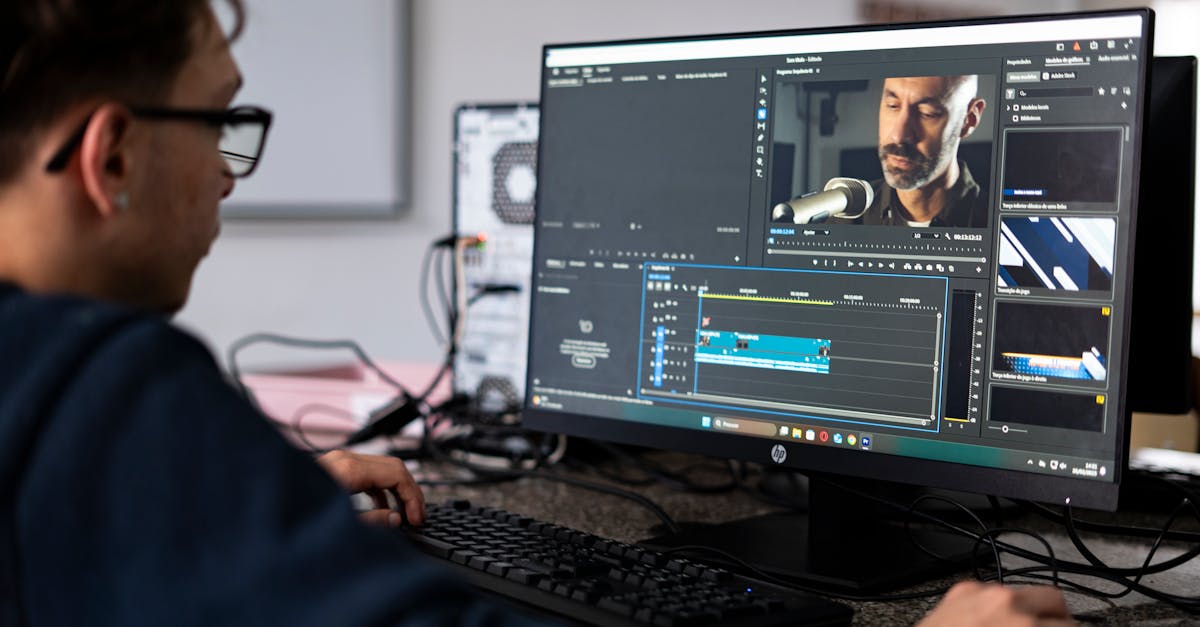
4. Descript — If you do any video or podcast content, Descript is a game-changer. You edit audio and video by editing text — delete a word in the transcript, and it removes the clip. It’s surreal. I cut a 45-minute podcast down to 28 minutes in about 10 minutes flat.
The Creative Powerhouses That Do the Heavy Lifting
Now we’re getting into the tools that feel like cheating. These are the ones that make you look like a genius with half the effort.
5. Midjourney — I know, everyone talks about it. But here’s what most people miss: the new style reference feature. You can feed it an image — say, a brand’s existing artwork — and generate matching visuals in seconds. I used it to create a full set of social media graphics for a client in under an hour. The secret is in the prompt engineering, not the tool itself.
6. Perplexity AI — This is my go-to for research. It’s like Google, but it actually answers your question instead of throwing links at you. It cites sources, summarizes competing views, and lets you drill down with follow-ups. I’ve found it’s better than ChatGPT for factual accuracy because it’s grounded in real-time web data.
7. Gamma.app — Here it is. The one you’re not using. Gamma is an AI presentation tool that creates full slide decks from a single prompt. But here’s the kicker — it makes them look good. Not “template good,” but “a designer spent three hours on this” good. I used it to pitch a new strategy to my boss, and she asked who I hired to make the slides. I didn’t even touch the design. It handles layout, color schemes, and even animations. For writers, marketers, or anyone who dreads PowerPoint, this is your new best friend.
8. Runway ML — Video editing with AI. You can remove backgrounds, generate new scenes, or even extend footage beyond the original frame. I’m not a video editor, but I’ve used it to create short clips for social that look professional. The learning curve is steep, but the results are worth it.

The Hidden Gems That Save You from the Grind
These are the tools that tackle specific pain points. They’re not for everyone, but if you need them, they’re gold.
9. Tome — Think of it as a storytelling engine. You give it a topic, and it generates a narrative arc with visuals, text, and interactive elements. I used it for a client pitch deck, and the feedback was that it felt like a story, not a sales pitch. It’s perfect for anyone who has to present complex ideas simply.
10. Krisp — Noise cancellation for calls. But not just any noise cancellation — it works on your end and the other person’s end. I’ve taken calls from coffee shops, airports, and even a construction site, and nobody noticed. It’s not flashy, but it’s the kind of tool that reduces stress in ways you don’t realize until you need it.
How to Actually Integrate These Without Getting Overwhelmed
Let’s be honest — trying all 10 at once is a recipe for burnout. I’ve been there. You end up with 15 tabs open, a dozen subscriptions, and zero actual work done.
Here’s what I recommend:
- Pick one tool from each category (core, creative, hidden gem). Start with Otter, Gamma, and Krisp. That covers meetings, presentations, and calls — three of the biggest time sinks.
- Set a 2-week trial period for each. Don’t commit long-term until you’ve pushed it through a real project.
- Automate one recurring task per tool. For Gamma, that might be creating your weekly report slides. For Otter, it’s transcribing your team meetings. When a tool handles a task you used to dread, that’s when it sticks.

The Real Cost of Ignoring These Tools
I’m not going to pretend every tool is perfect. Some have learning curves. Some produce weird outputs that need human editing. And yes, some are expensive.
But here’s the thing — the cost of not using them is higher. Every hour you spend formatting slides, transcribing interviews, or editing video manually is an hour you’re not spending on strategy, creativity, or just taking a break. And burnout is real.
I’ve personally reclaimed about 8 hours a week using a combination of these tools. That’s a full workday. Imagine what you could do with an extra day every week.
So here’s my challenge to you: pick one tool from this list that you’ve been ignoring — maybe Gamma, maybe Perplexity, maybe Krisp — and use it for one week. Not a full workflow overhaul. Just one tool, one task.
See what changes.
You might find that the future of work isn’t about working harder. It’s about working smarter, with a little help from machines that don’t need sleep.