My cousin called me last Tuesday, slightly panicked. She'd just watched one of those true-crime documentaries about data brokers, and she was convinced her phone was spying on her. "I literally talked about buying a new mattress, and an hour later my feed was full of mattress ads," she said. I laughed — not because she was wrong, but because she was right for the wrong reasons. Her phone wasn't listening. It didn't need to. She'd handed over more than enough data through settings she never bothered to check.
That conversation stuck with me. So I spent a weekend doing a full privacy audit on my own devices — and honestly? I was a little horrified by what I found. Here are the five privacy settings every smartphone user should change in 2025, before the data brokers know more about your life than your best friend does.

Your Phone's Been Talking Behind Your Back
Let me be clear about something first. This isn't a tinfoil-hat situation. I'm not telling you to wrap your phone in foil or switch to a flip phone. But here's what most people miss: default settings are designed for maximum data collection, not maximum privacy. The companies building your phone make money when your data flows freely. You have to actively opt out.
And in 2025, with AI assistants processing more of our conversations than ever, the stakes are higher. Your phone isn't just tracking where you go — it's learning how you think.
Ready? Let's dig in.
1. Kill the Ad ID Before It Kills Your Anonymity
This is the big one, and almost nobody does it.
Every smartphone has a unique advertising identifier — a string of numbers that follows you across apps like a digital fingerprint. Advertisers use it to build a profile of you that's honestly scary in its accuracy: your income bracket, your relationship status, whether you're pregnant, whether you're depressed.
On iPhone: go to Settings > Privacy & Security > Tracking and turn off "Allow Apps to Request to Track." Then go to Settings > Privacy & Security > Apple Advertising and turn off Personalized Ads.
On Android: go to Settings > Google > Ads and hit "Delete advertising ID." This actually resets the ID permanently, which is stronger than just opting out.
I did this two years ago, and my targeted ads got noticeably weirder — which was the point. If advertisers can't figure me out, neither can the data brokers selling my profile to insurance companies. That's a win.
2. Lock Down Location — Because "Always On" Is Never Okay
Here's a stat that made me put my coffee down: most people grant location access to 30+ apps without thinking twice. A flashlight app doesn't need to know you're at your therapist's office on Thursday afternoons.
Go through your app list and set location to "While Using the App" for everything. Then ask yourself honestly — does a food delivery app need your location when you're not ordering? No. Does a weather app need precise GPS? Also no.
The setting most people miss? Precise Location toggle. On both iOS and Android, you can give apps approximate location instead of exact coordinates. Turn precise location off for everything except maps and ride-sharing. Let's be honest — your local coffee shop's app doesn't need to know which table you're sitting at.
3. The Microphone Trick That Actually Works (Sort Of)
Okay, I have to address the elephant in the room. Everyone thinks their phone is secretly recording them. The truth is messier and more interesting.
Your phone probably isn't recording full conversations — but apps can access your microphone in the background if permissions allow it, and voice assistants do process trigger-adjacent audio. So here's what I've found works:
- Revoke microphone access from every app that doesn't genuinely need it (check Settings > Privacy > Microphone on iPhone or Settings > Apps > Permissions on Android).
- Turn off "Hey Google" and "Hey Siri" hotword detection if you don't use voice assistants daily. It's a battery drain and a privacy leak in one.
- Audit voice assistant history monthly and delete recordings. Google and Apple both let you auto-delete after 3 months — enable that.
4. Your Wi-Fi and Bluetooth Are Snitching on You
This one's subtle, and it's the kind of thing that makes you go "wait, what?"
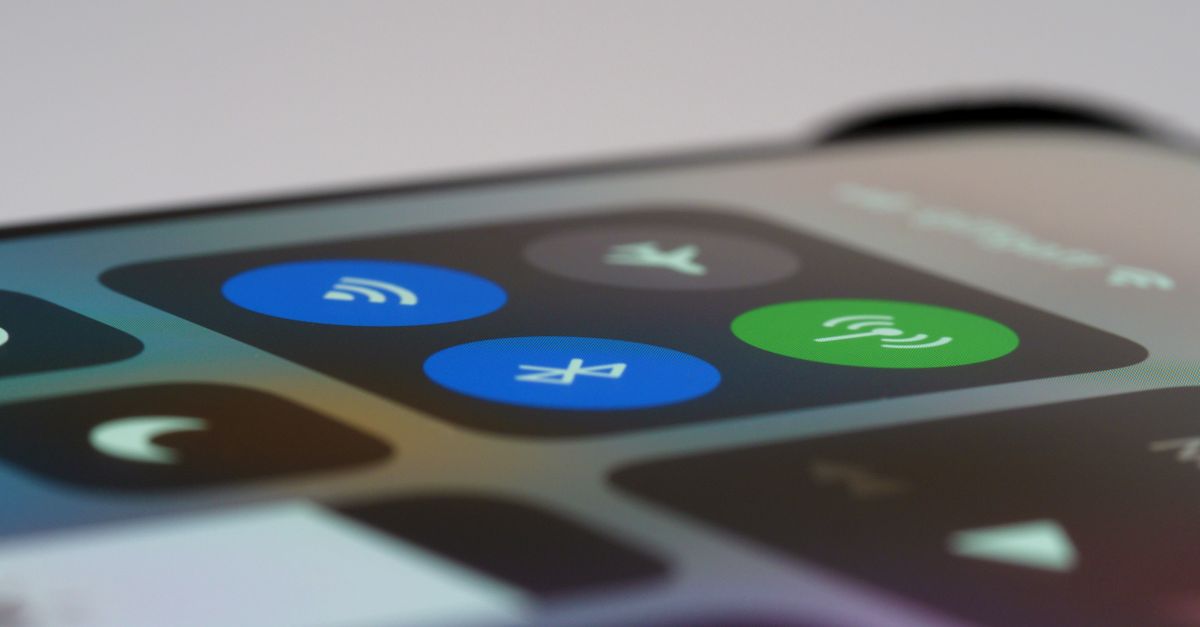
Your phone constantly broadcasts Wi-Fi probe requests and Bluetooth signals to find nearby networks and devices. Retail stores, airports, and yes — data brokers — use these signals to track your physical movements. You don't even need to connect to a network. Your phone is basically shouting "I'm here!" every few seconds.
The fix is simple and surprisingly effective:
- Turn off Wi-Fi and Bluetooth when you're out and about (not just disconnect — switch them off).
- Disable "Wi-Fi scanning" and "Bluetooth scanning" in your location settings (these stay on even when Wi-Fi is off, which is wild).
- On Android, check Settings > Location > Location Services > Wi-Fi scanning.
5. The Settings Menu Nobody Scrolls To (But Should)
Here's the thing — every phone has a privacy dashboard that shows you exactly which apps accessed your camera, microphone, and location in the last 24 hours. It's buried, but it's there.
On iPhone: Settings > Privacy & Security > App Privacy Report. On Android: Settings > Privacy > Privacy Dashboard.
I check mine every Sunday morning with my coffee. It takes four minutes. And every single week, without fail, some app has been doing something I didn't authorize. Last month it was a photo editing app accessing my location in the background — at 2 AM. Why? I still don't know. I deleted it.
The privacy dashboard is the single most underrated feature on your phone. Use it. Make it a ritual. You'll be shocked what you find in the first week.
The Uncomfortable Truth About Digital Privacy in 2025
Look, I'm not going to pretend you can disappear from the data economy entirely. That ship sailed around the time we all agreed to terms of service without reading them. But there's a massive difference between being tracked and being wide open.
The five settings above take maybe 20 minutes to change. Twenty minutes to make your smartphone privacy settings meaningfully stronger. Twenty minutes to stop being the easiest target in the room.
So here's my challenge for you: don't just read this and nod. Pick up your phone right now. Start with the ad ID — it's the fastest win. Then work your way down the list this week, one setting a day.
And when your cousin calls you panicking about mattress ads? Send her this article.
We can't control what the tech giants build. But we can absolutely control what we hand them. That's not paranoia — that's just being smart about the device that knows you better than anyone.
What did you find in your privacy dashboard? Tell me in the comments — I genuinely want to know what apps are being sneaky out there.